
How it works
What you see and do as the CareStori account owner.
Follow the whole journey with Maria — from writing her CareStori, to inviting the people who help, to reading how her afternoon went. This is a read-only walkthrough of the real owner screens. No account needed.
Create Maria's CareStori
You start with a photo, the name she actually goes by, and what matters to her. It takes a few minutes, and it gives anyone who walks through the door a picture of the person — not a diagnosis.
The CareStori · What Matters
What matters to Maria
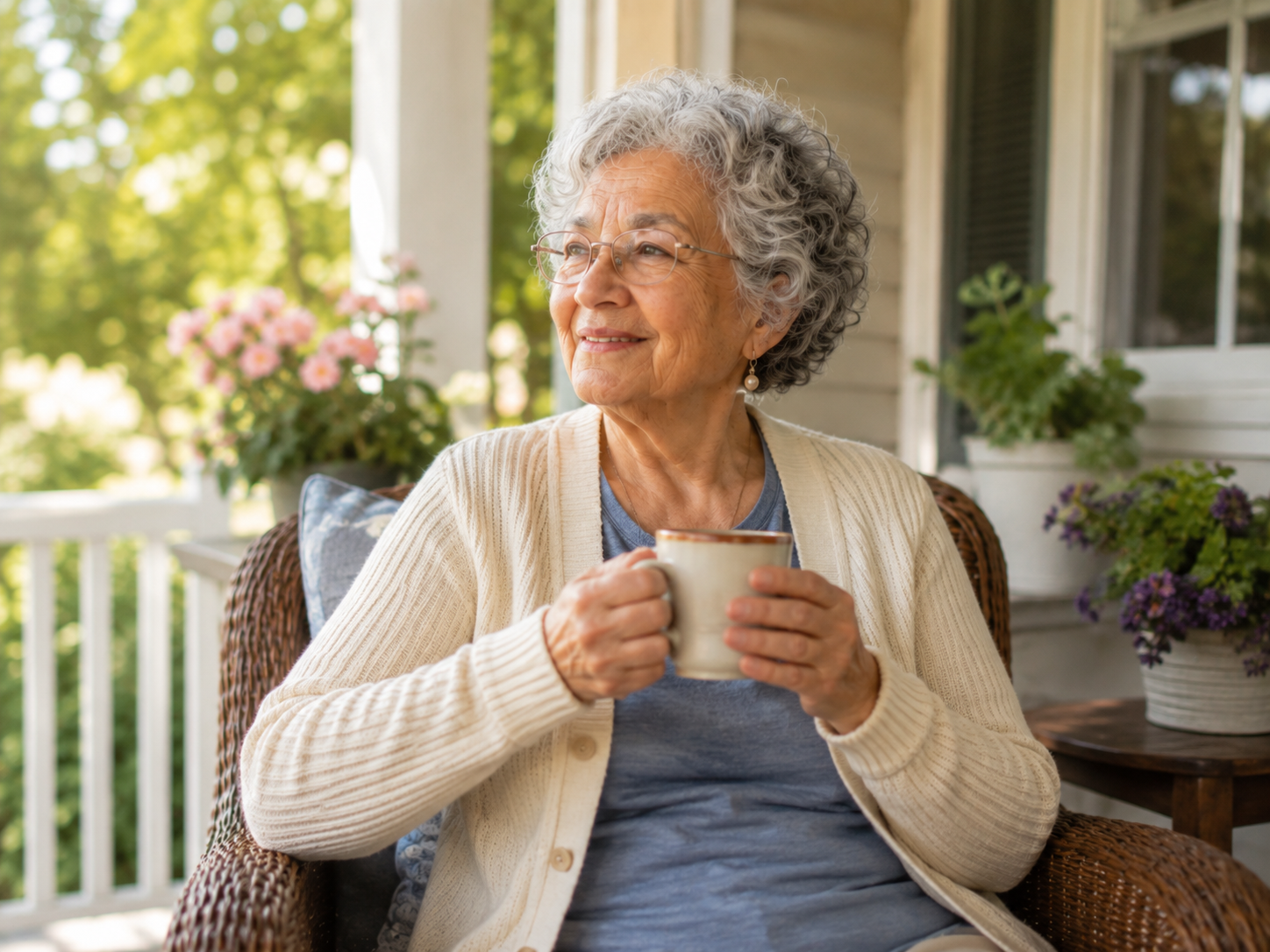
Maria
I like to do as much as possible myself — let me try first. Rushing makes everything harder.
My garden, especially the roses, and my grandchildren. They call me Nana.
Soft music, my chair by the window, and quiet company.
Add the daily care information
Today's note is the first thing a caregiver reads. Underneath it you add the routine, the daily essentials, and — if you want — a simple, non-clinical list of medications and vitamins so everyone is reading the same instructions.
Daily Care
Today, and how the days usually go
Today's note
Maria slept well and had her tea on the porch. She's been asking after the roses — a short walk in the garden after lunch would brighten her afternoon.
Medium roast coffee with a splash of cream, no sugar.
Quiet time, then a nap around 2–3pm.
Medications & vitamins
Vitamin D · Morning — with breakfast and a full glass of water.
Evening pills · Bedtime — stay with her until she has swallowed.
Invite family
Everyone comes in as themselves. You invite your sister by name and email, and you decide what she can see. Family can follow photos and updates without seeing private care notes — you can change that any time.
Family & Caregivers
Invite someone
Elena Reyes
elena@example.com
Sister
See photos & family updates
See private care details
Invite a caregiver
A caregiver invitation works the same way, with fuller permissions. CareStori emails a private link — no account or password on their side — and the invitation sits in your list marked Pending until they open it.
Family & Caregivers
Invitations waiting
grace@example.com
See the invitation accepted
When Grace opens her link and joins, Pending becomes Accepted with the date and time. You are never left wondering whether the email landed.
Family & Caregivers
Invitation history
grace@example.com
Grace Whitman
Share Care Moments
Write care notes
Organize the care schedule
Add the visits ahead of time — once, daily, or on chosen weekdays. Each shift hands that person access when it begins and takes it away when it ends. Nothing to remember, nothing to undo.
Care Schedule
Schedule care
Grace Whitman
Wed, Aug 19 · 9:00am
Wed, Aug 19 · 2:00pm
Morning visit — walk in the garden after lunch.
See who is covering the week
Your schedule shows who is caring right now and what the next seven days look like. If a day is empty, you can see it at a glance — and you can let family view the schedule too, so the covering sorts itself out.
Care Schedule
Who is caring, and when
Grace Whitman Caring now
Sofia Reyes
Elena Reyes
Let family see the schedule
Receive caregiver updates
After a visit, Grace can leave a short care note and a Care Moment — a photo taken inside the app, sent straight to you and never saved to her phone. They arrive on your updates timeline with her name and the time.
Updates
How things have been going for Maria
Coffee on the porch — she counted four cardinals this morning.
Maria ate most of her soup and walked to the rose bed with her cane. Vitamin D given with breakfast. She was tired by 4pm and rested in her chair.
Keep invited family and caregivers informed
Everyone you invited sees the updates their permissions allow — on their own phone, in one calm place. No group text, no forwarded photos, nothing public. You can change or remove someone's access whenever you like.
Family & Caregivers
Who can see what
Sofia Reyes · Daughter
Elena Reyes · Sister
Grace Whitman · Caregiver
Why it matters
Less guessing. Better communication. More peace of mind.
CareStori helps the people who care stay informed, connected, and focused on the person — on Maria, and on the small things that make her day feel like her own.